

A connection
with your
personality.
Your keys and configurations — in one app.
 How it works
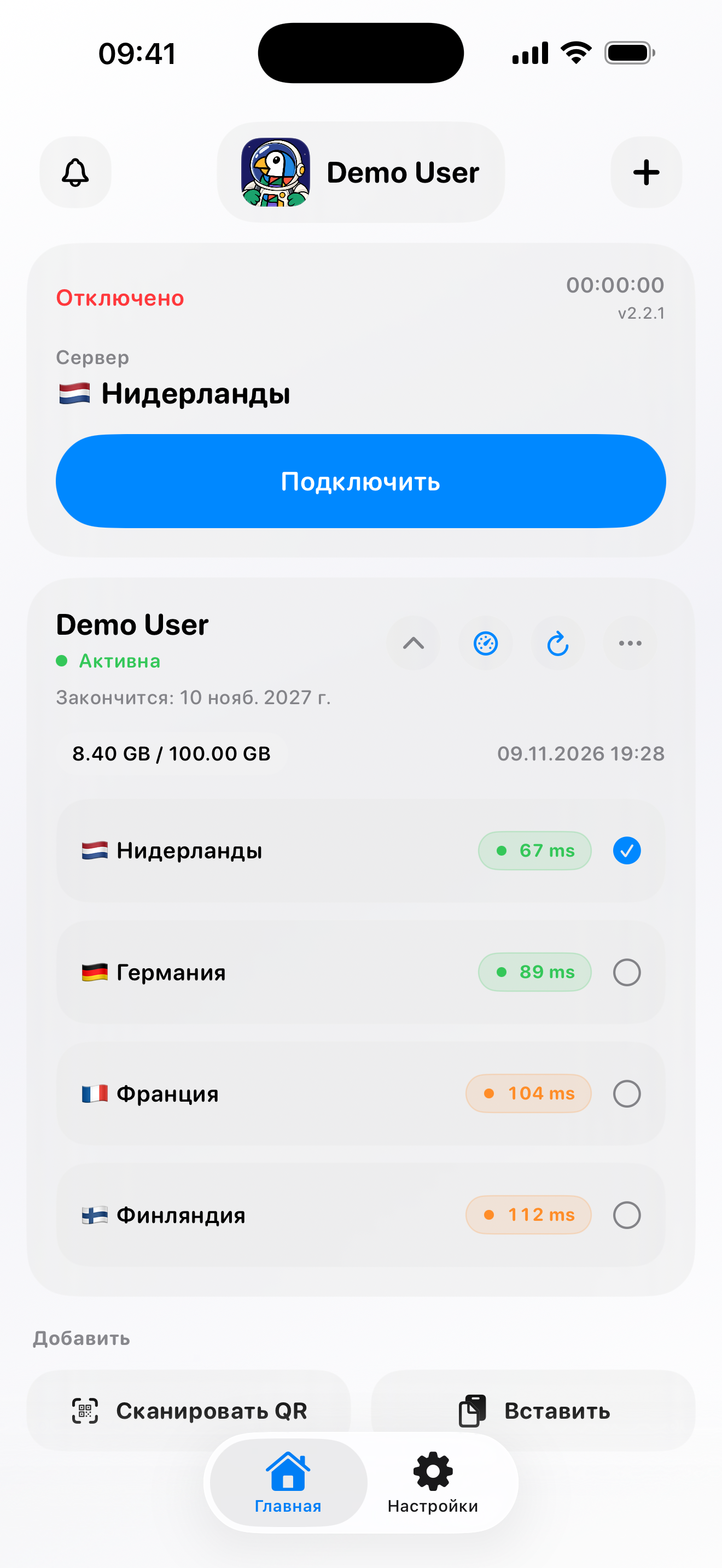


 Android APK · 2.2.0 (2107)

Direct APK download dated November 10. This is a separate release outside Google Play; we will announce the store update separately.
If you installed DoDo from Google Play, update it through the store: APK signatures may differ. If Android rejects the update, keep the app and its data — do not delete them to install it.
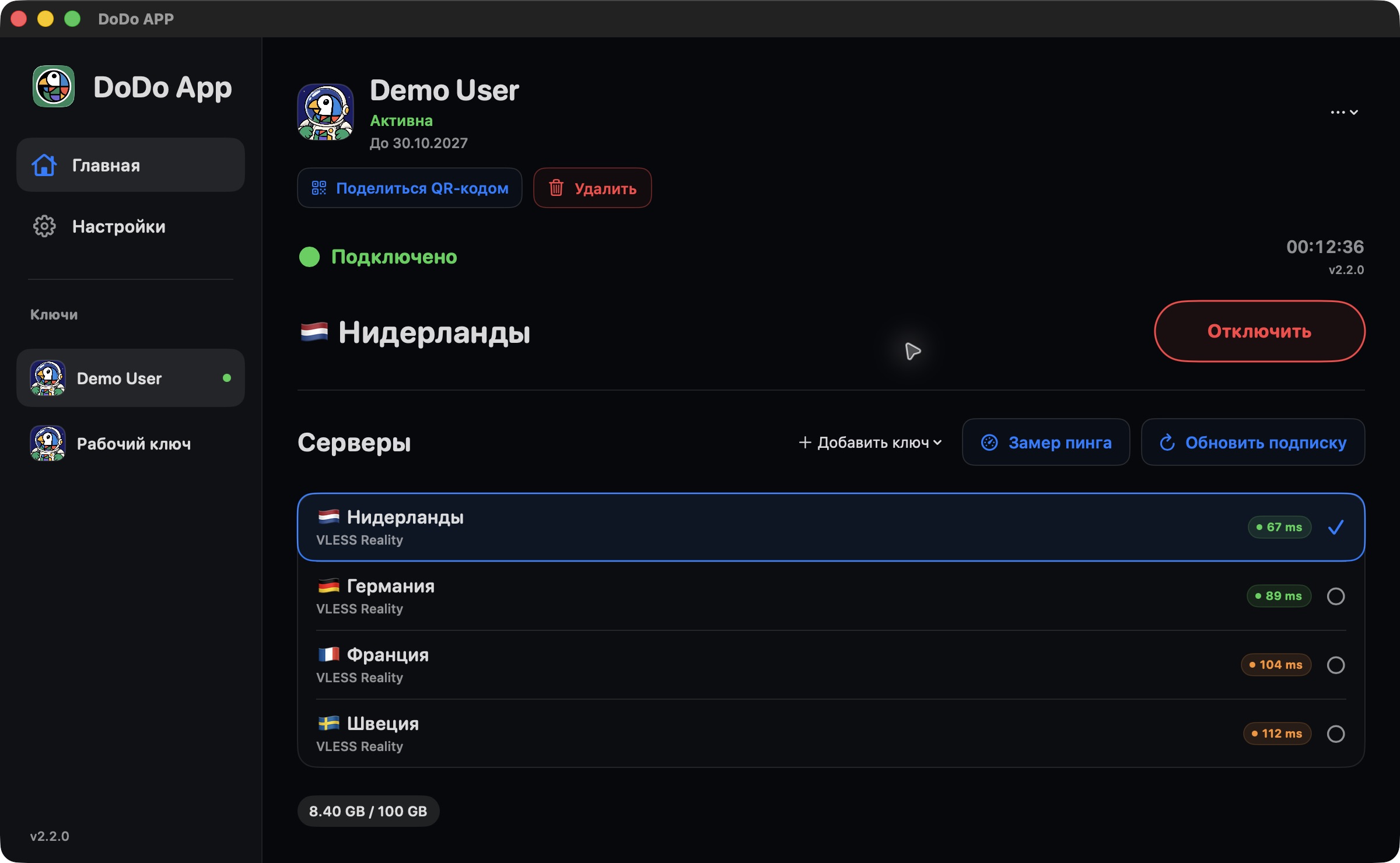
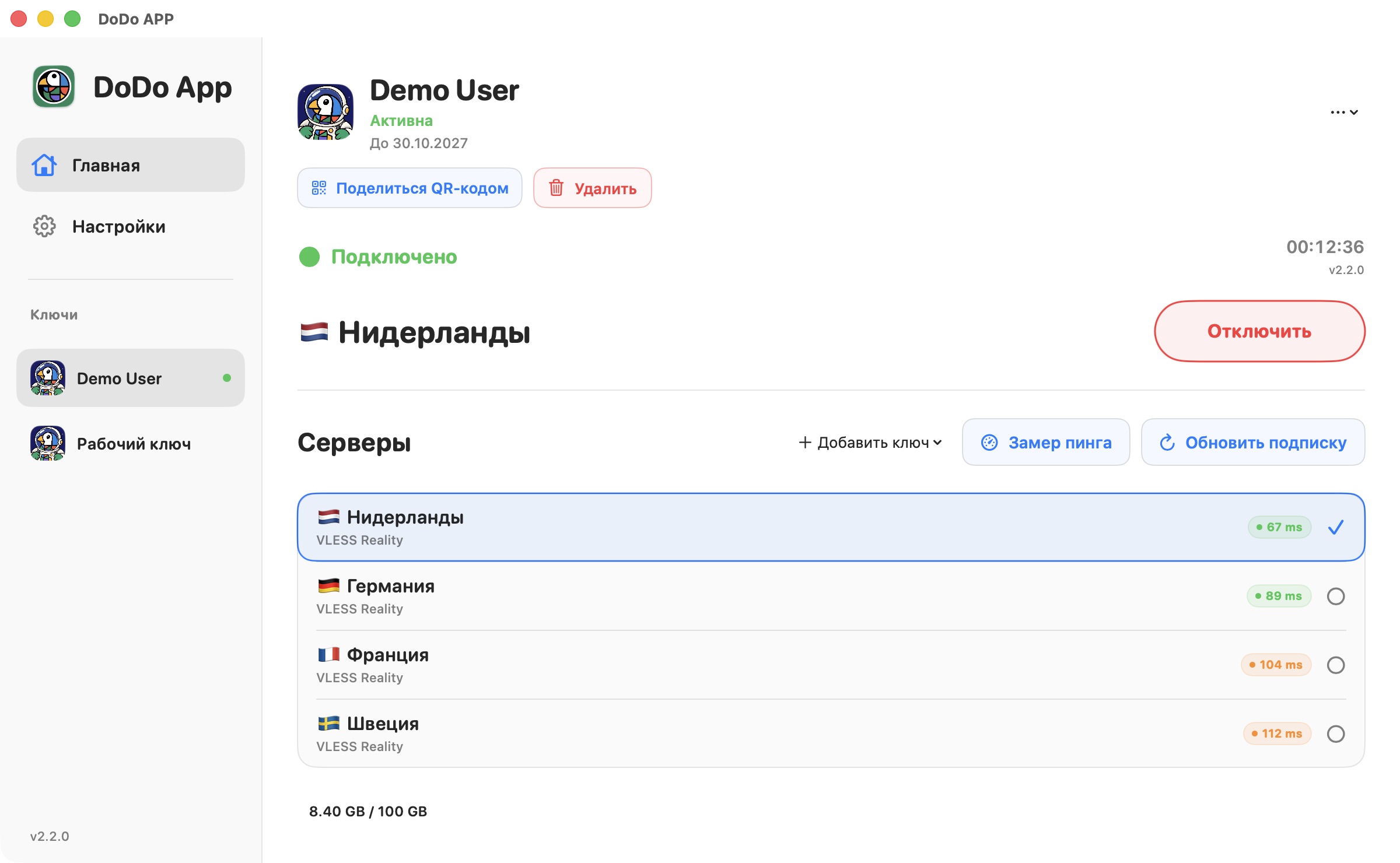
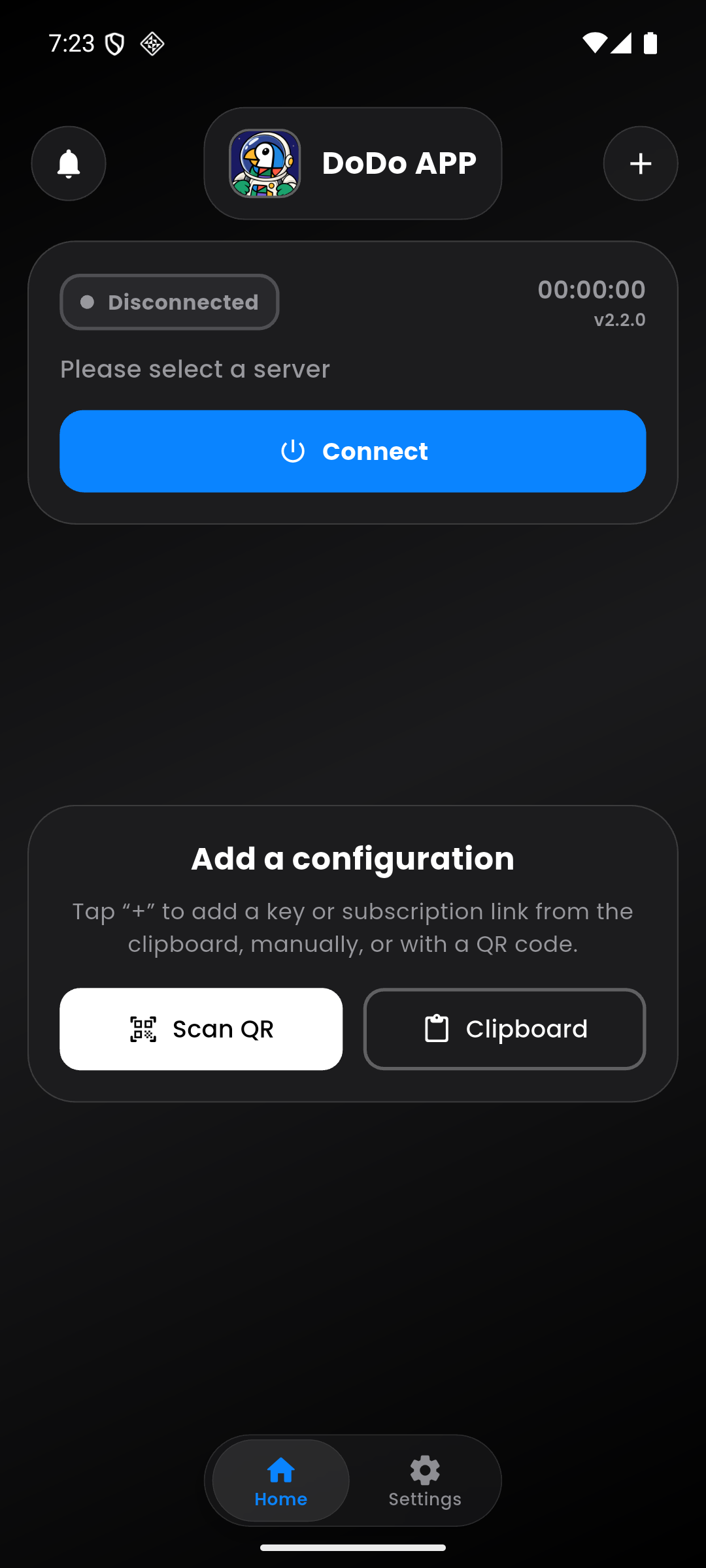
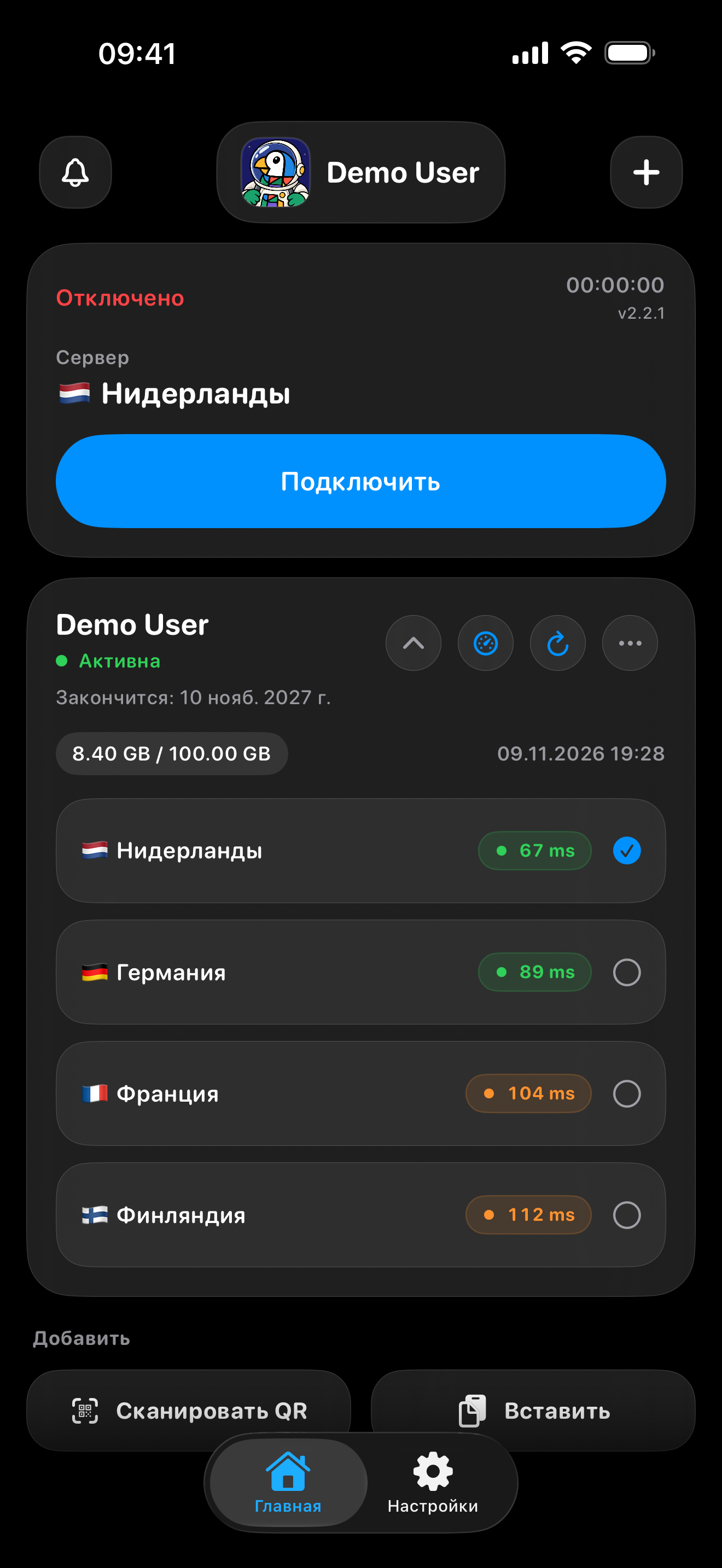
The screens show demo data. You will need a key from your VPN provider to connect.
RELEASE IN PREPARATION
DoDo for iOS 2.2.2
Build 113 was uploaded to App Store Connect on November 12. We improved JSON import, DNS, server checks and the interface. App Store availability will be announced separately.

LATEST UPDATE
DoDo for Android 2.2.0
· APK, build 2107. Improved ping checks, key import and configuration cards.
One DoDo.
Different devices.
- 1
Install the app
Choose your platform and download DoDo.
- 2
Add a configuration
Paste a key or link from the clipboard, enter it manually or scan a QR code.
- 3
Connect
Choose a server and tap “Connect”. You can change the ping check method in settings.

ON YOUR PHONE AND COMPUTER
A bigger screen.
The DoDo you know.
Your keys, server list and connection status — all in view. Choose the device that works for you.
Choose a platform
Your service.
A familiar client.
Users choose your service. DoDo helps them connect.
Include your service name, logo, key expiry date and traffic data with the configuration. Use Remnawave or your own panel with a compatible format.
For providersFeatures vary by platform. The documentation shows what is available and what is planned.
Provider dashboard.
Free early access.
Provider registration is open in early access. Full production launch coming soon.
Sign in with Google, create your service and verify your domain with a DNS TXT record. Prepare your branding and stories without plans or payments. Automatic subscriber linking in the app is in an integration pilot and will require a new version of DoDo.
Create a dashboardVPN users do not need to register for the dashboard. Key import and connections work independently of it.
The essentials,
in brief.
Where do I get a connection key?
From your VPN provider or server administrator. DoDo is a client for your keys: it does not sell VPN access or provide free servers.
Do I need a DoDo account?
No. You do not need to register with DoDo to add a configuration and connect.
Which formats are supported?
DoDo accepts supported server keys, links, Base64 lists and compatible full Xray JSON configurations. Exact protocol and setting support for each platform is described in the compatibility table.
What happens to data and reports?
When a configuration is downloaded, your provider may receive the HWID, device model and OS version to check device limits. Statistics and data deletion settings are described in the app's privacy policy. Technical error reports are sent with your consent and do not contain secret links or traffic content. More about diagnostics.